Welcome to ExpensesCalculator
Distribute expenses among party participants based on their consumption.
About this page
This page is including some instructions what you can do on this website
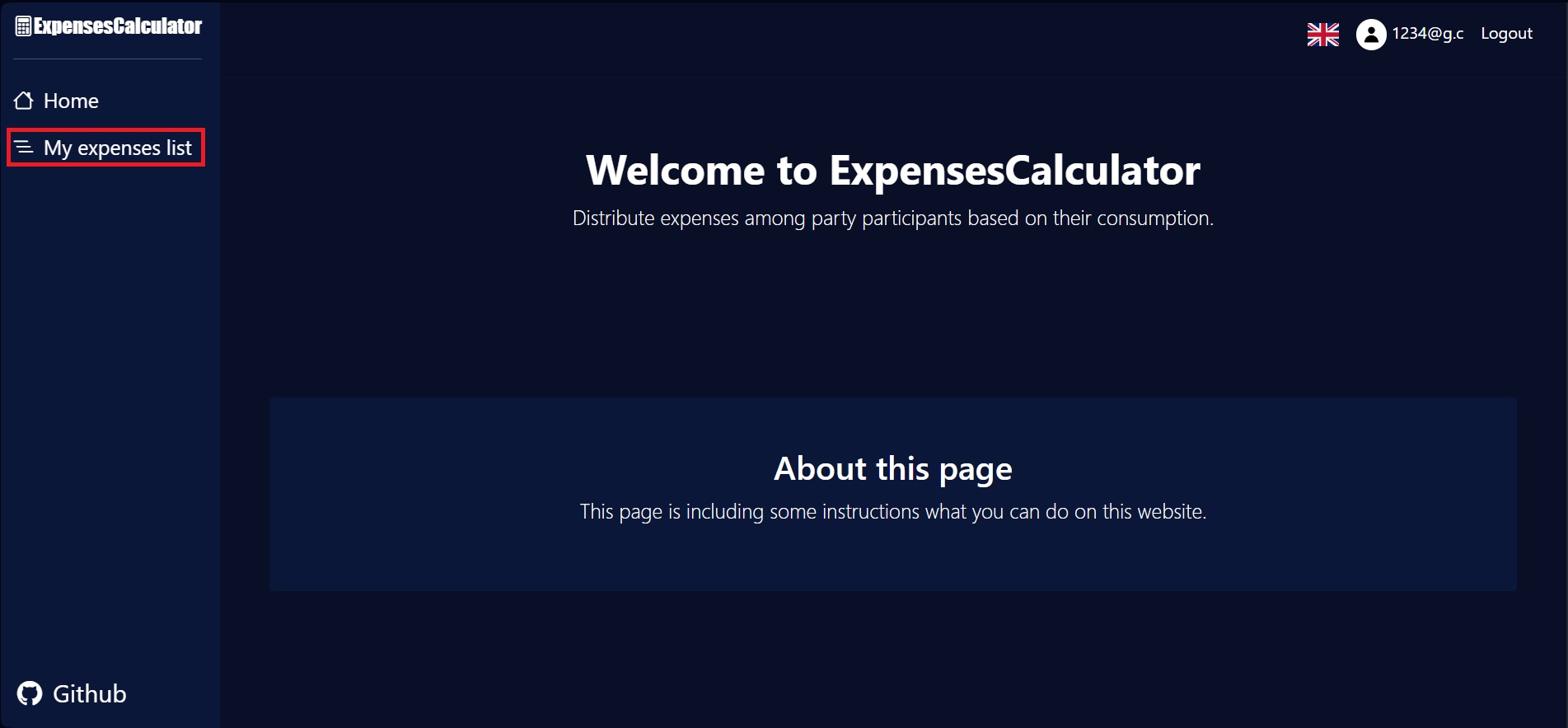
1. Select the "My expenses list" tab.
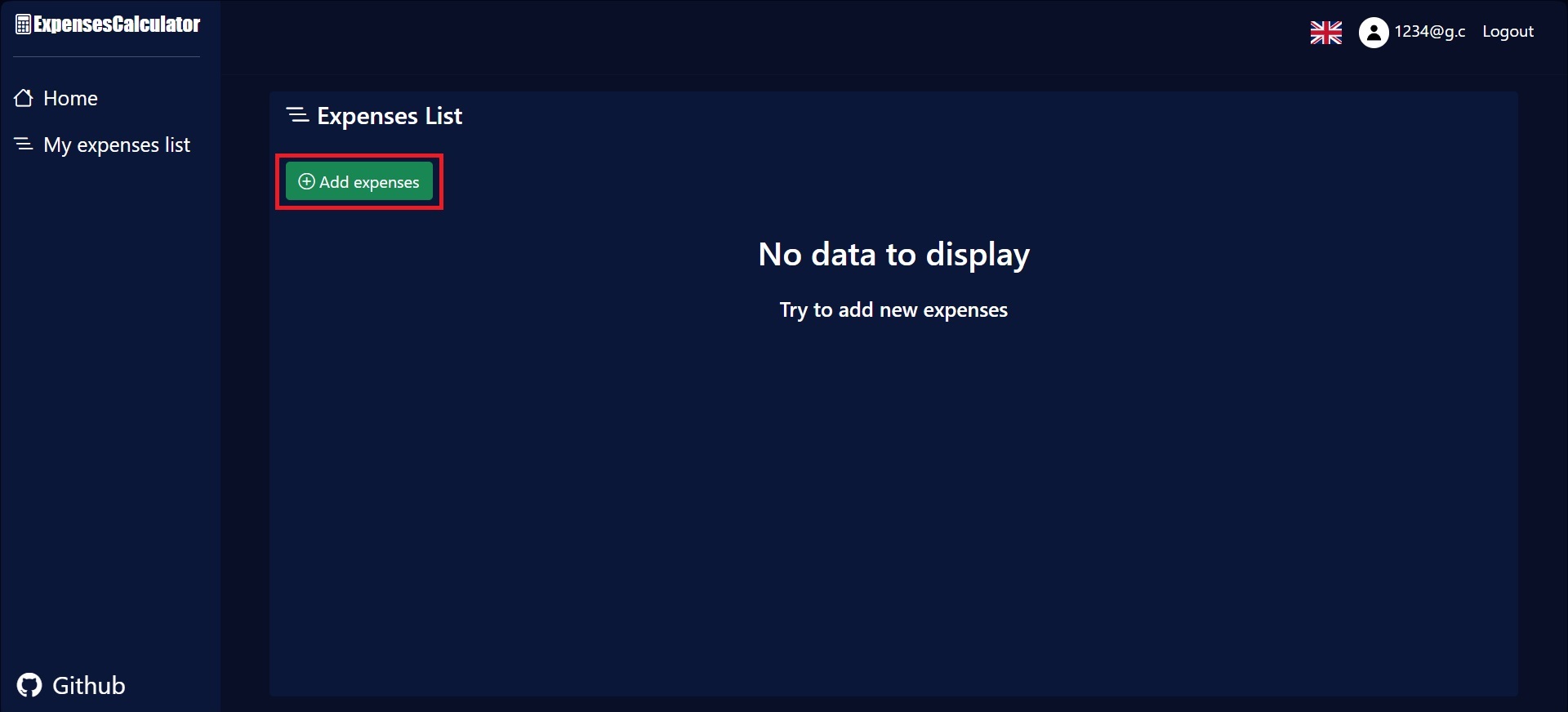
2. Click the "Add expenses" button and enter the required data.
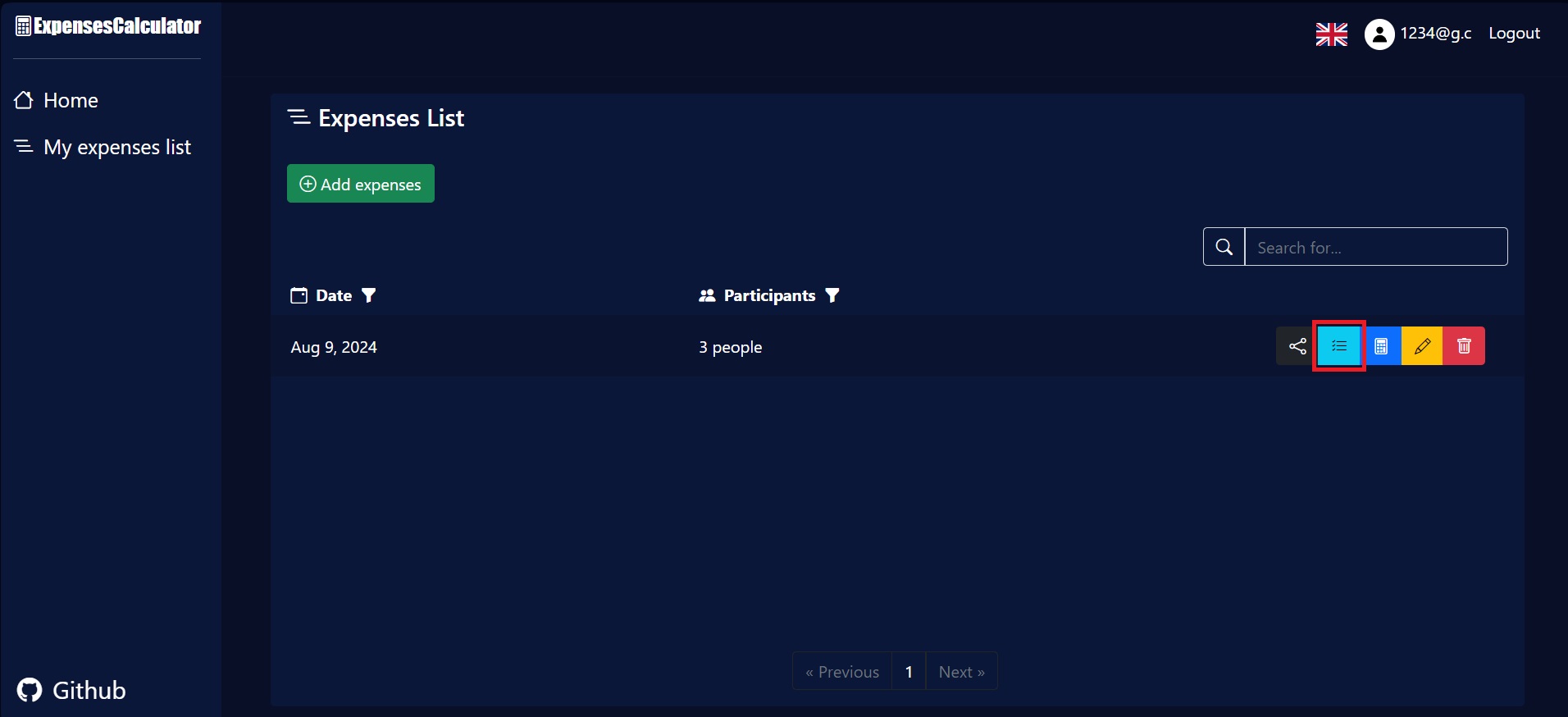
3. Click the button with a list image, to enter data about the items to be calculated.
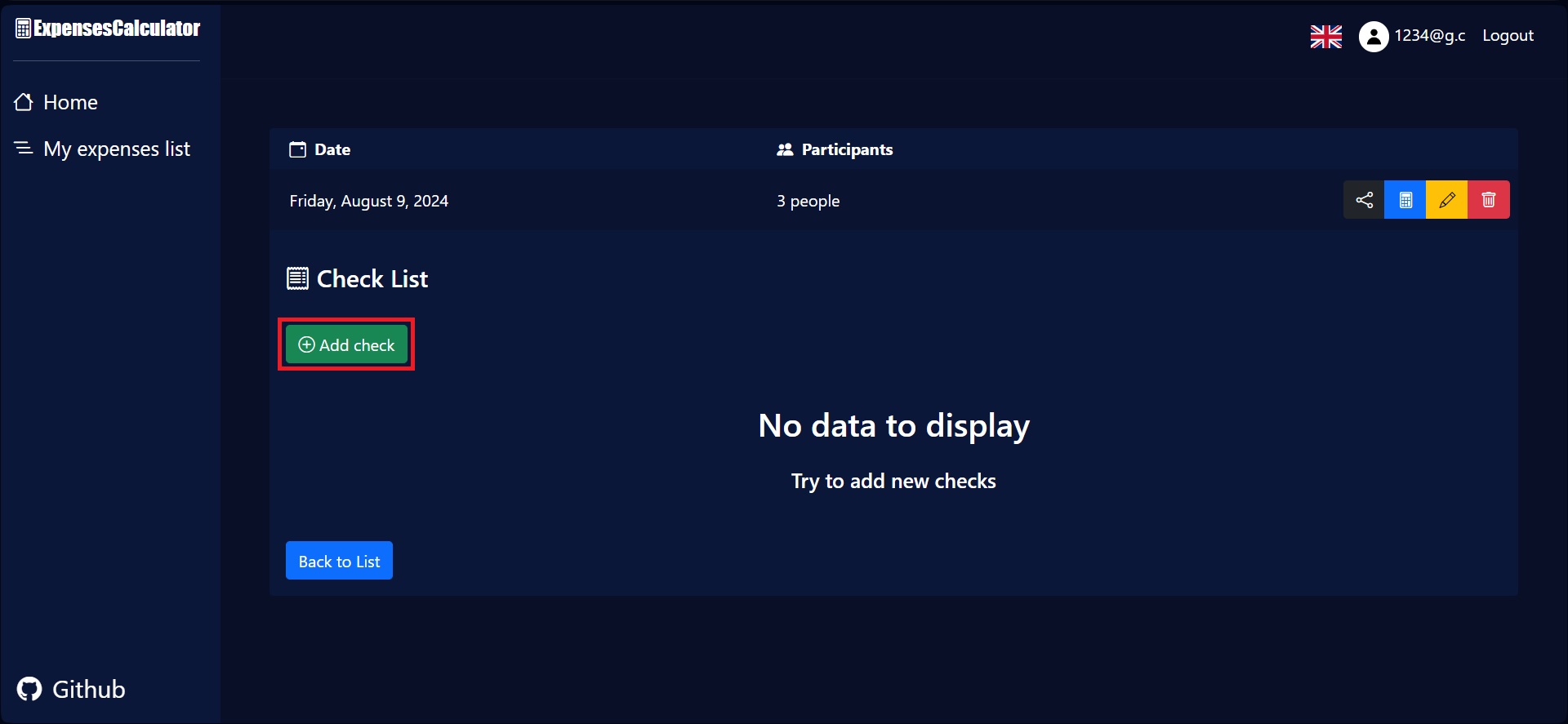
4. On the next page, add checks, which are used to group items by who paid for them.
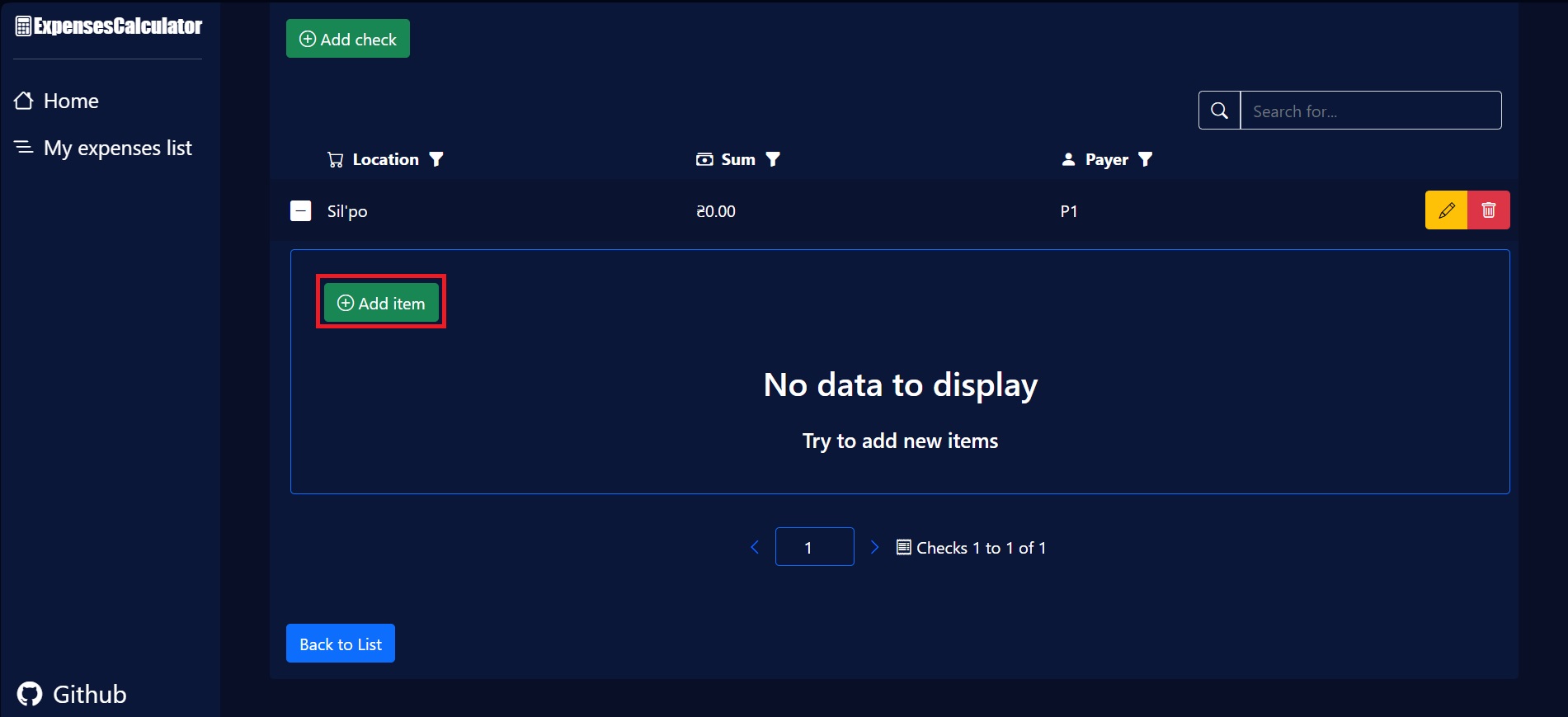
5. Open the appropriate check and add the items of this check.
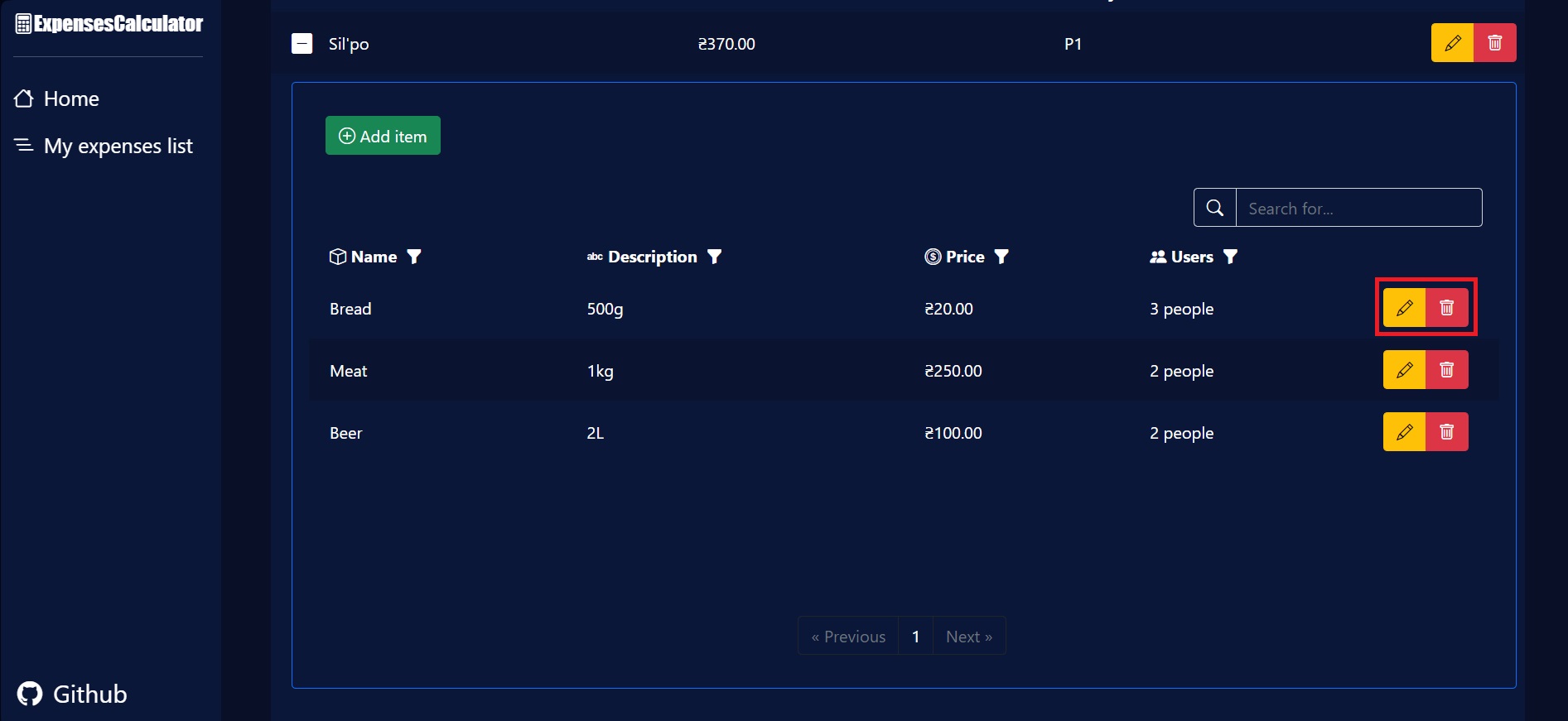
6. Use the edit and delete buttons to change data if it was entered incorrectly.
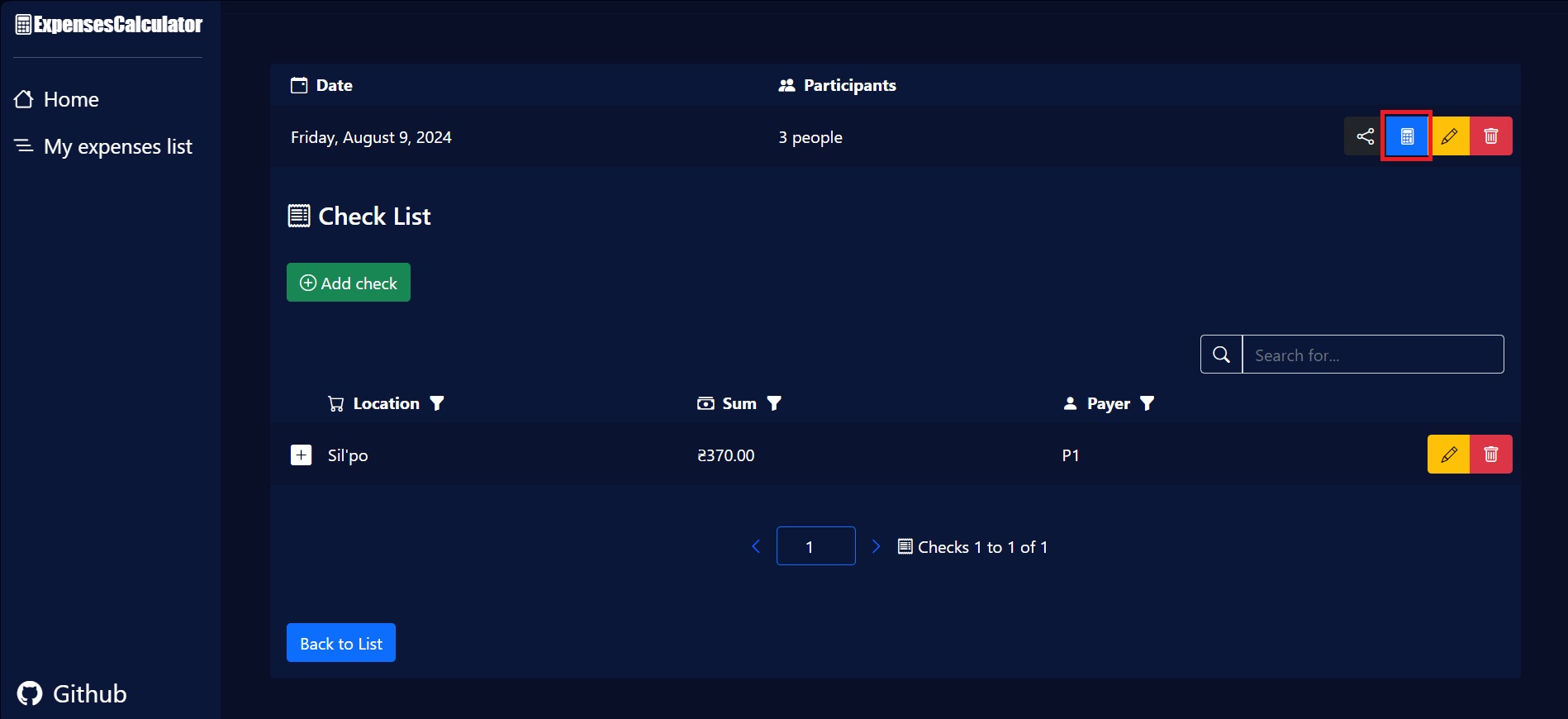
7. Click the button with a calculator image, to calculate the expenses between the participants.
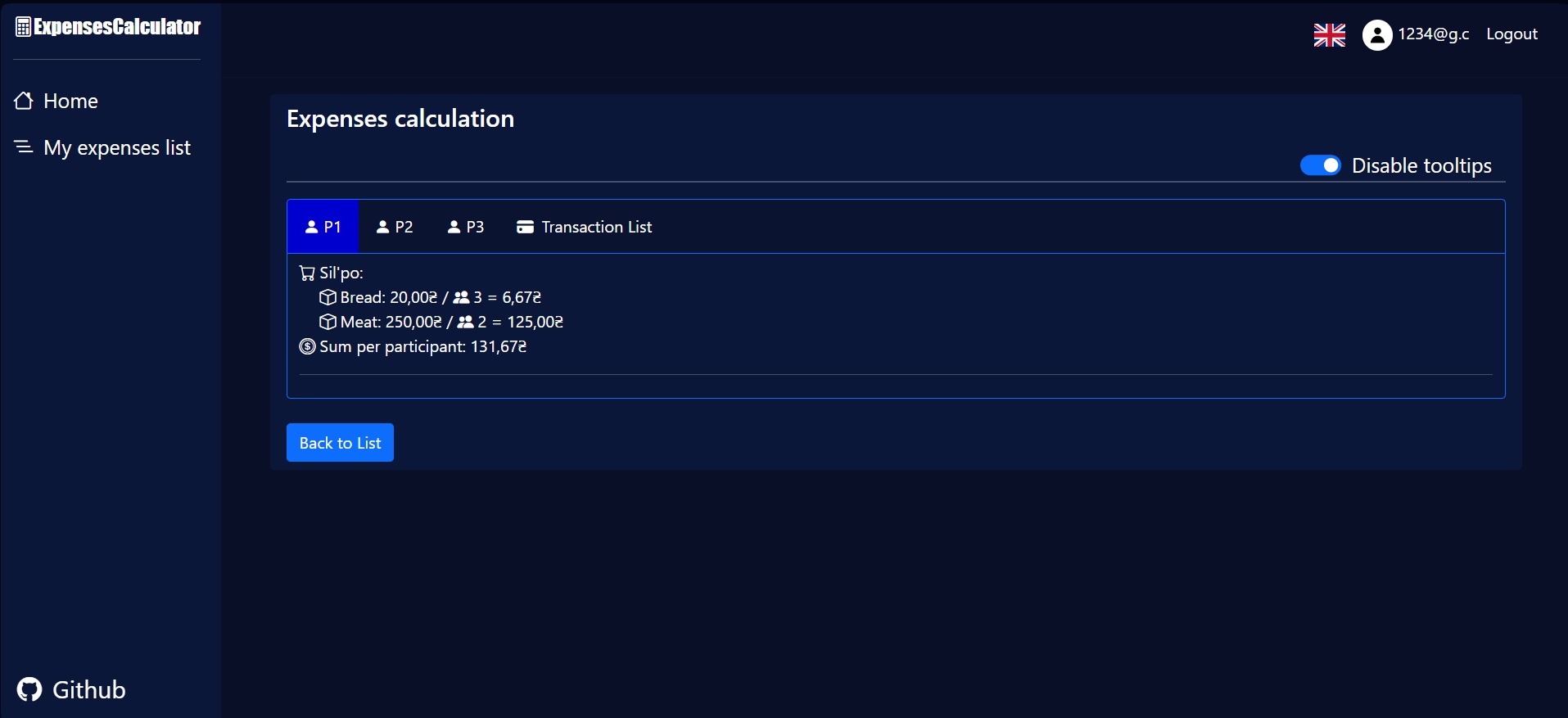
8. Switch between tabs to see how much every participant spent on the party.
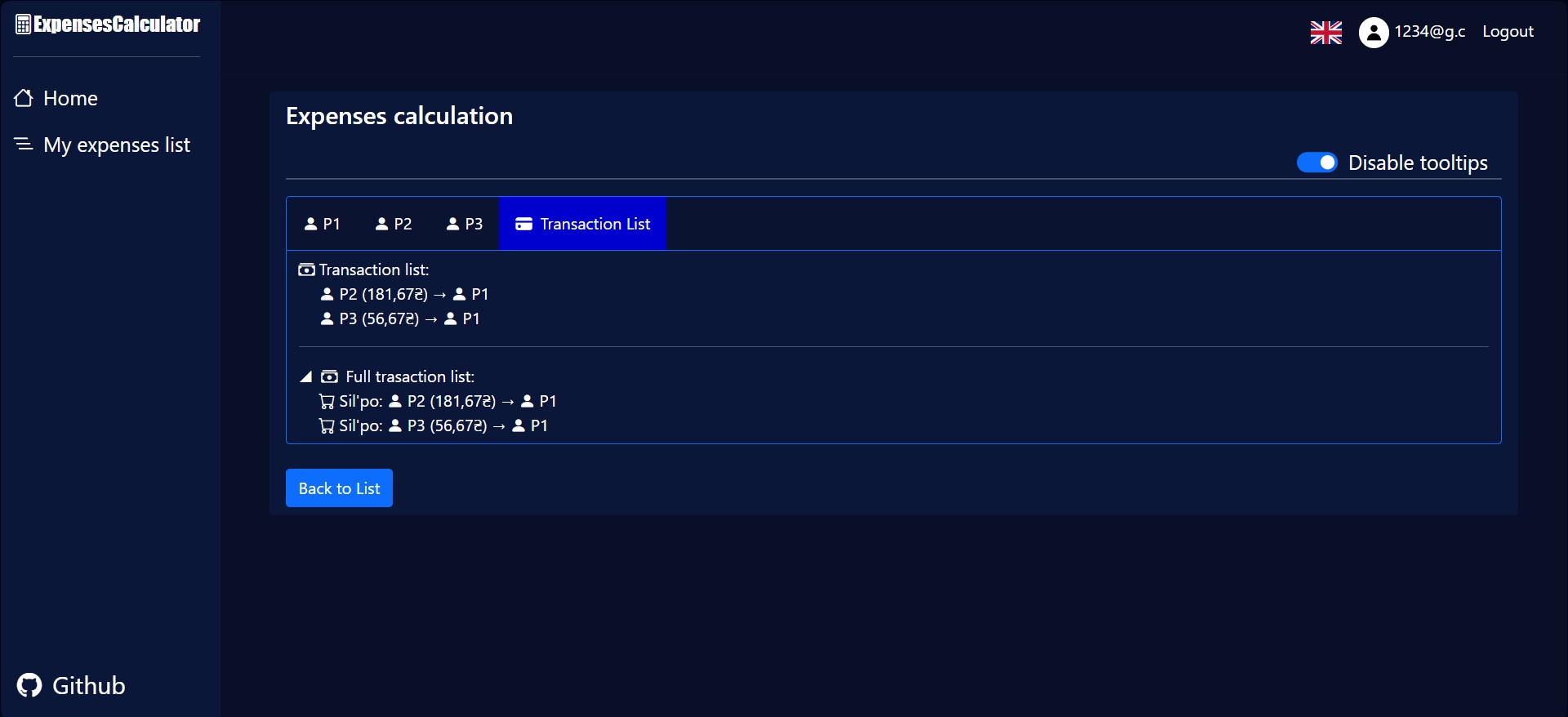
9. On the "Transaction list" tab you can see how much money each participant owes to the people who paid for the party.